
One RSVP for the whole household
Guests open your link, enter one invite code, and mark who is coming. You stop chasing replies across Messenger and Viber.
YOUR WEDDING, ONE LINK
Kasalink gives Filipino couples on a budget one shareable link for the whole day: your story, schedule, RSVP, seating, and a find-your-seat QR at the reception — built and edited by you, no developer required.
No developer needed · No code · Built for a wedding budget
Draft is free. Publish for ₱999 (12 months), then renew for ₱299 / 12 months.
Templates
Pick a design that already feels like print — not another cookie-cutter wedding page. Every section, font, and color is already matched for you. Swap looks anytime from your dashboard — and we're adding more as we grow.
Save the date
Your name & Your partner
09.25.2026
Print-style spreads in butter yellow, gray, white, and black.
The wedding of
Your name & Your partner
09.25.2026
Your venue
Bold, oversized type on a clean warm-white canvas.
The Wedding Issue
Vol. 2026
Together with our families
Your name & Your partner
09.25.2026
Cover Story
Your venue
Fashion-cover photography with sports-issue energy on ivory and dusty rose.
After the rain
Your name & Your partner
09.25.2026
Your venue
A rain-to-sunlight cinematic wedding page in sky blue, rain navy, and sun gold.
Garden Kasal
Your name & Your partner
09.25.2026
Your venue
Soft garden kasal in cream, leaf green, and quiet gold.
Special Wedding Edition
The Wedding Broadsheet
Vol. I · 09.25.2026
Lead story
Your name & Your partner
Getting married · 09.25.2026
Fig. 1 — Portrait
Wedding news print — ink, cream, and front-page rules.
A day in bloom
Your name & Your partner
Save the date
09.25.2026
Playful bridal collage — blush paper, coral-rose, and floral Polaroid frames.
Chapter cover
Wedding special
Your name & Your partner
On sale
09.25.2026
Manga chapter wedding special — ink, paper, and soft pink screentone.
How it works
Add your details, photos, guests, and seats. Then share one link so everyone can RSVP and find their table.

Your names, date, and venues. Type them in like a form — we turn that into your site.

Add a few favorite shots. Keep each under 1 MB so your site stays fast.

Story, schedule, gifts, FAQ — turn sections on, write in your words, reorder anytime.

List families and barkada. Each person or household gets an invite code.
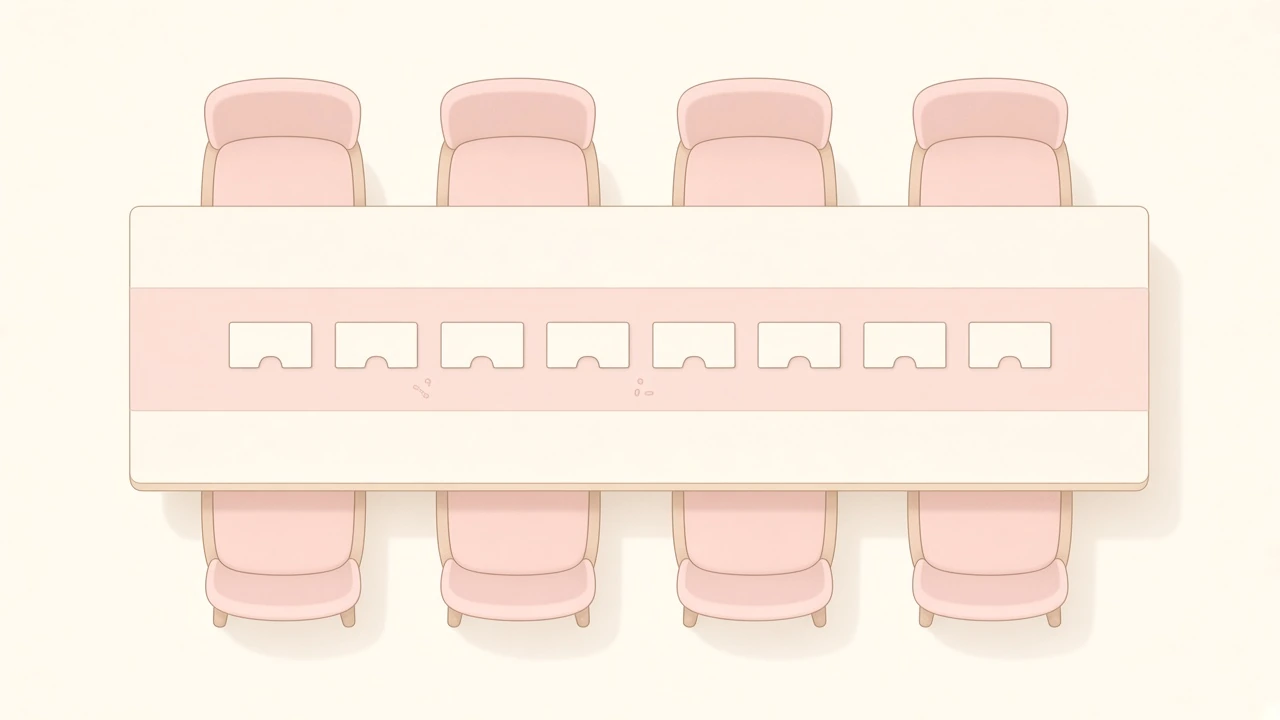
Make tables, assign people, print a find-your-seat QR for the door.

Draft is free. When you are ready, publish so RSVP and seating work on your link.
Built for the day
RSVP, seats, your pages, and one link to share — the pieces guests need, without the software jargon.
Guests open your link, enter one invite code, and mark who is coming. You stop chasing replies across Messenger and Viber.
You assign tables ahead of time. Guests scan a QR and see their table and seat — no lost wanderers in the ballroom.
Story, schedule, entourage, dress code, gifts, FAQ, travel, and more. Write in plain words, set the order, no developer required.
Your site lives at /your-slug. Paste it in Messenger, Viber, or the invite. Edit anytime from your phone.
Why Kasalink
You shouldn’t hire a coder or fight a generic site builder just to collect RSVPs and show guests their seats. Here’s how the options stack up.
₱15,000–₱50,000+ · weeks of back-and-forth
₱0 · not built for weddings
Kasalink
₱999 once · no developer, no code
Pricing
Build the whole site at ₱0. When you’re ready for guests, publish for ₱999 covering 12 months — then renew for ₱299 / 12 months. No monthly subscription.
₱0
Build and preview in private.
Publish
₱999
12 months, then ₱299 / 12 months to renew
FAQ
No. Pick a ready-made template, then fill in your names, date, story, and photos section by section. Every font, color, and layout choice is already made for you — there’s nothing to code.
No. RSVP and find-your-seat both open right in your guest’s phone browser — from your link or by scanning the QR at the reception. Nothing to install.
Your public link goes offline for guests. Renew for ₱299 / 12 months from your dashboard and your site comes right back. If you don’t renew, we may later remove the account and photos so we’re not storing unused files — you can also delete your own account anytime from Manage Account.
Pay by GCash, Maya, or bank transfer — details are in your dashboard’s “How to publish” screen. We confirm manually and email you the moment your site is live.
Yes. Swap templates or turn sections on and off anytime from your dashboard — before or after you publish.
Set up Kasalink in an afternoon. Send the link with the invite. Breathe easier at reception.
Start your wedding site